


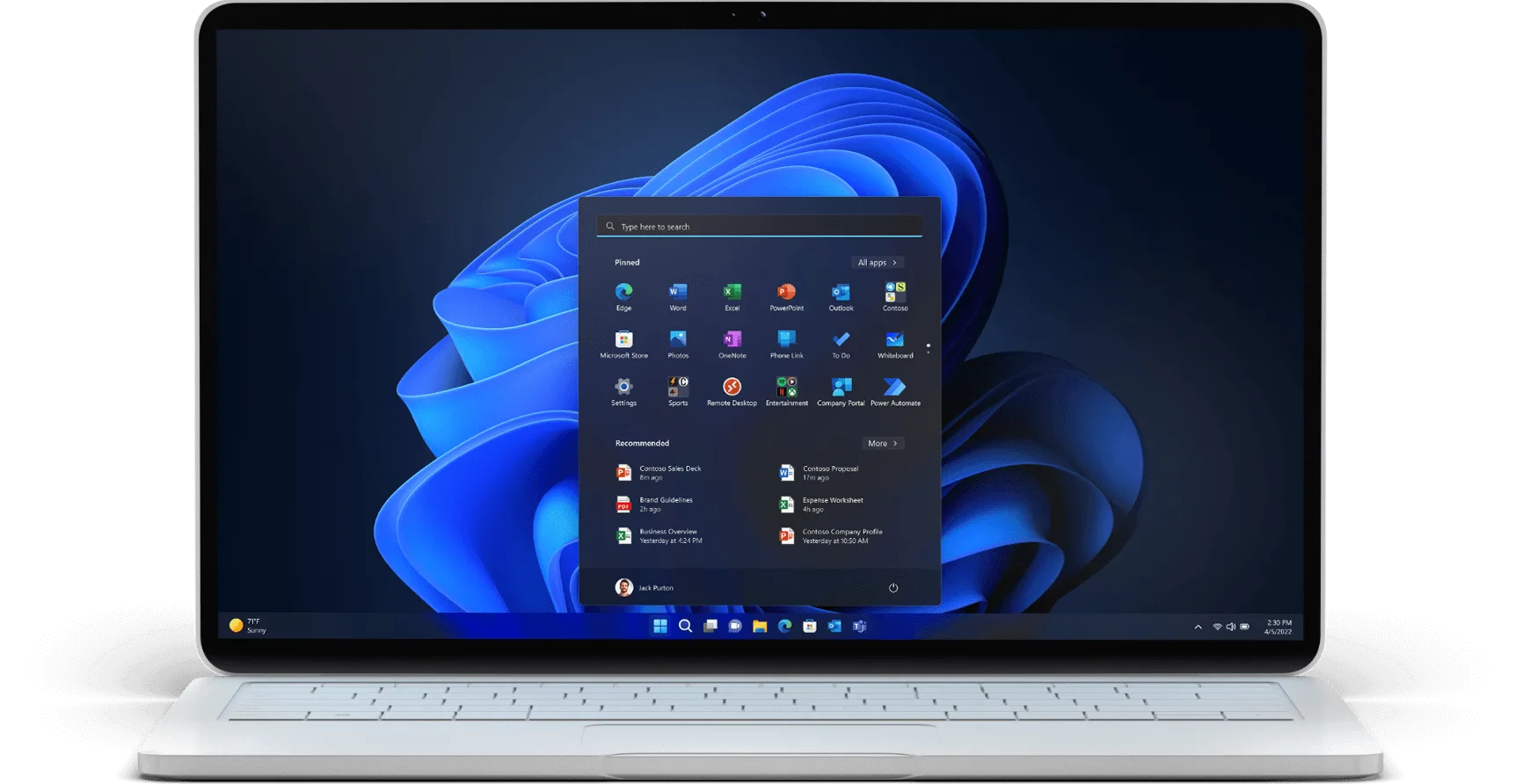
Invest in modern devices with Windows 11 Pro and Microsoft 365.1
Intuitive to use. Easy for IT. Secure for all.
Windows 11 Pro devices with Microsoft 365 provide a single solution for the modern workspace. Built with the latest security and productivity features, they combine to improve the potential of every employee and empower the success of your business.
-
Reimagine secure collaboration
Protect data and access from anywhere with built-in security, hardware-based isolation, encryption, and malware protection.
-
Reimagine modern work
Boost employee productivity with modern Windows 11 Pro devices for business. Create and collaborate easily with personalized experiences and smarter videoconferencing.
-
Reimagine modern IT management
Streamline security management across diverse locations and extend security to the cloud. Help protect devices, data, apps, and identities anywhere.
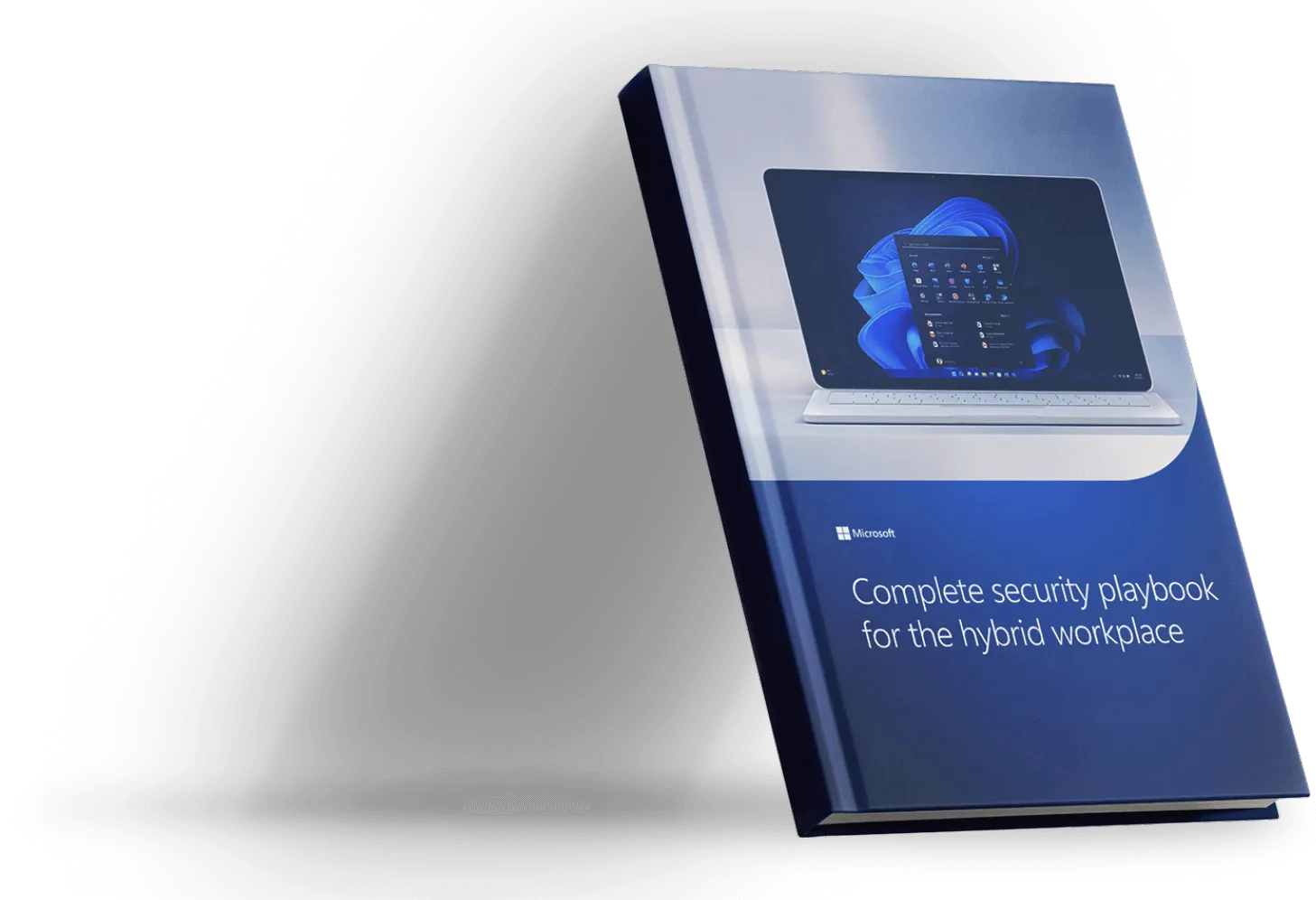
Complete security playbook for the hybrid workplace
The hybrid workplace requires security solutions that update, adapt, and scale to support employees no matter where they work. Learn how to mitigate cybersecurity risks in a hybrid environment.
Experience the benefits of upgrading to modern devices with Windows 11 Pro and Microsoft 365
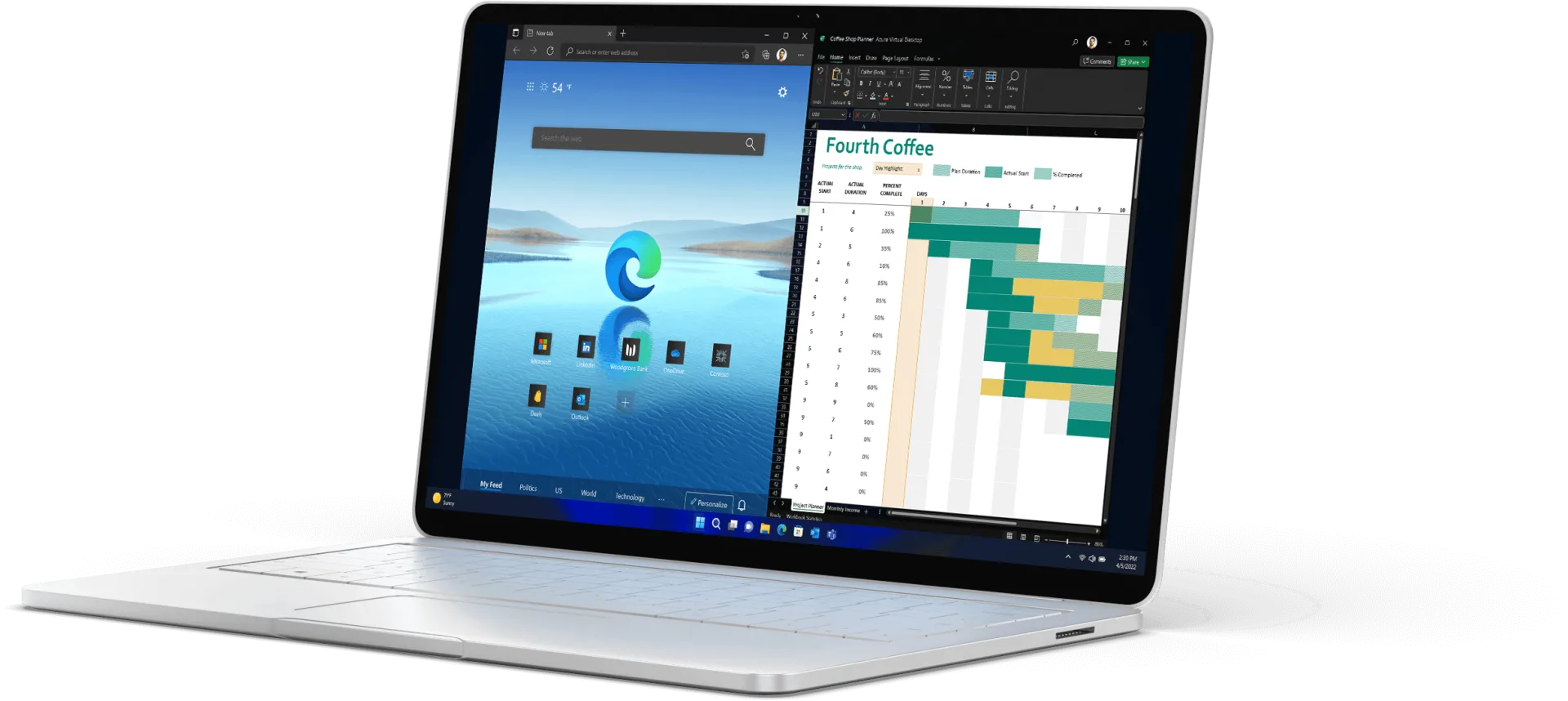
WG121 MSFT WINDOWS DELIVER A MP4 20MB 210617 1300
Designed for hybrid work
Sell Windows 111 powered by the Intel vPro® Platform.
Powerful for employees. Consistent for IT.
Secure for all.
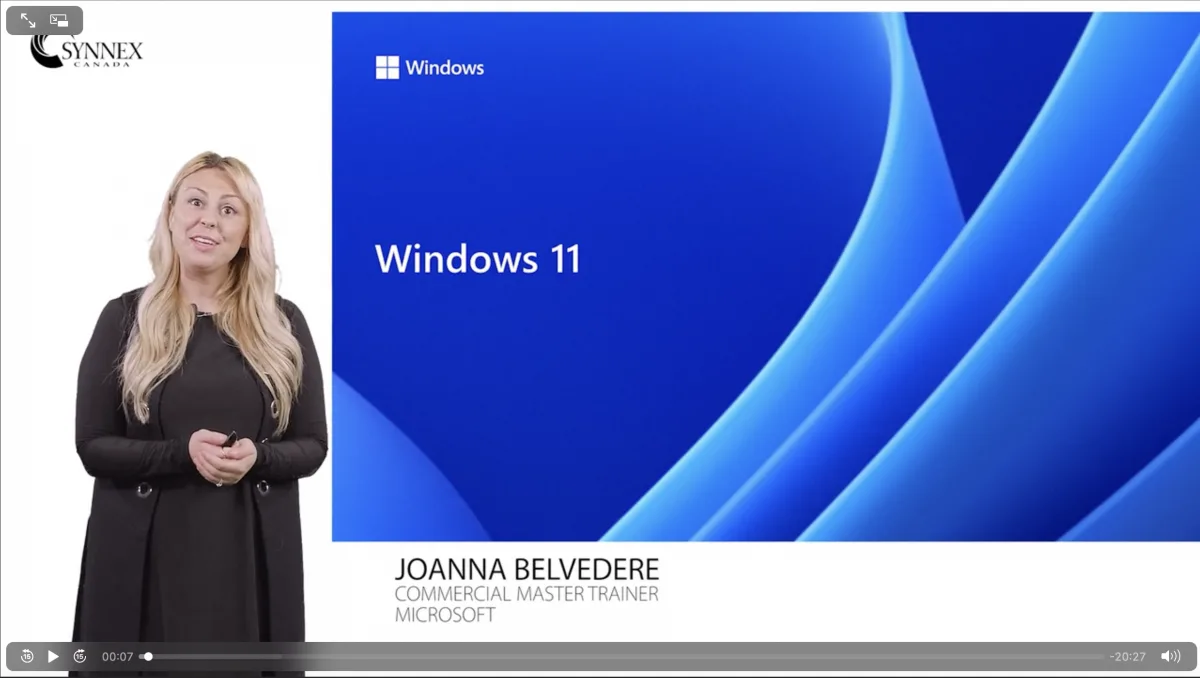
Join Joanna Belvedere, Master Commercial Trainer at Microsoft to learn about Windows 11 launch and the 5 key features and benefits of it. So tune to hear all that Microsoft has to offer for Windows 11.
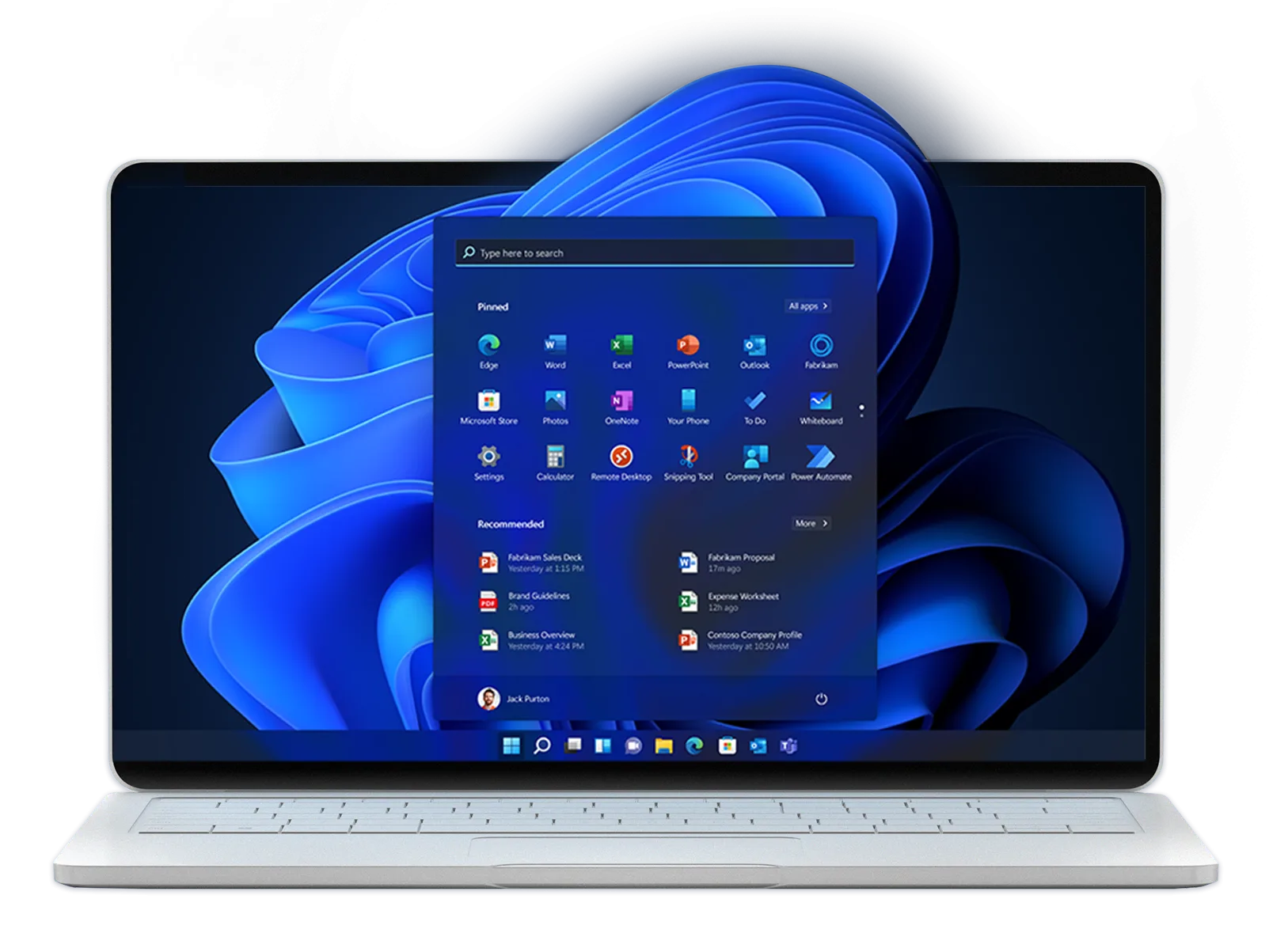
Work smarter and faster with modern devices:
Get the benefits of built-in security, remote management, and productivity tools.
-

Productivity
-

Collaboration
-

Management
-

Security
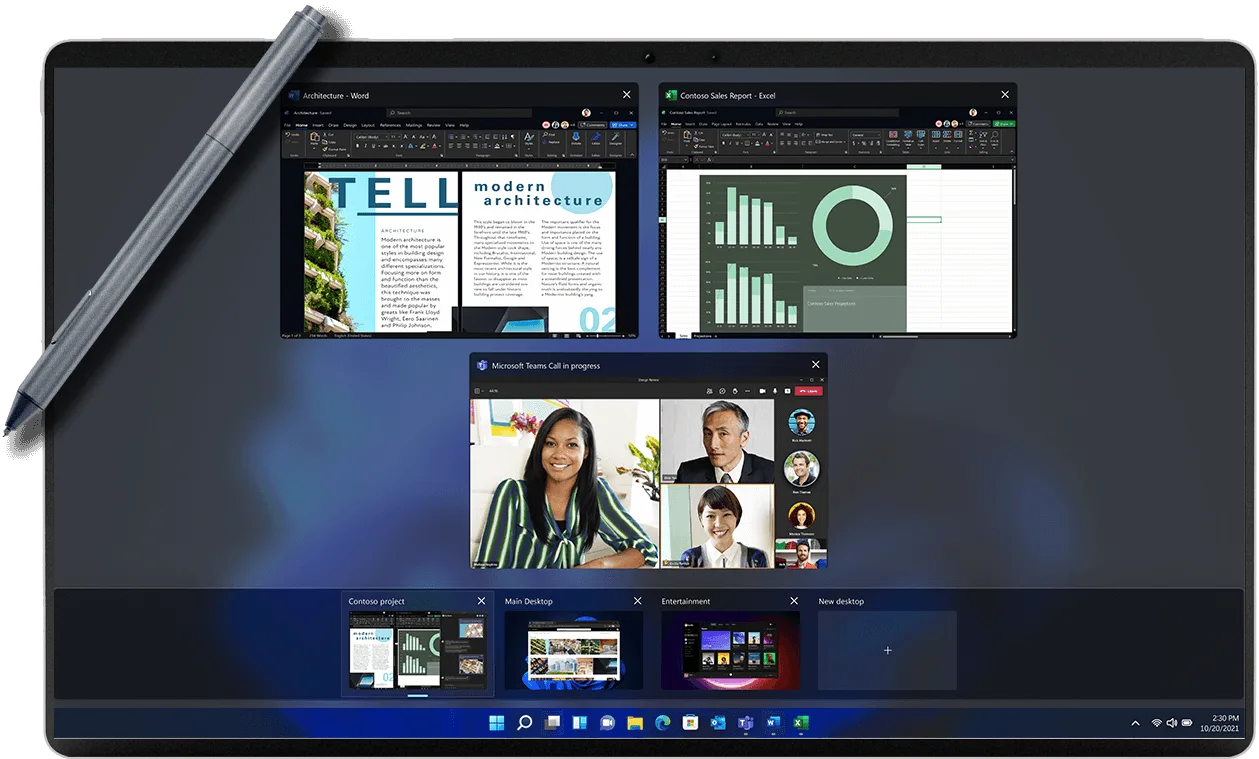
Simple, powerful design to help improve productivity
- Optimize screen space in snap
- Create custom desktops for each project
- Work naturally using pen, voice and touch2
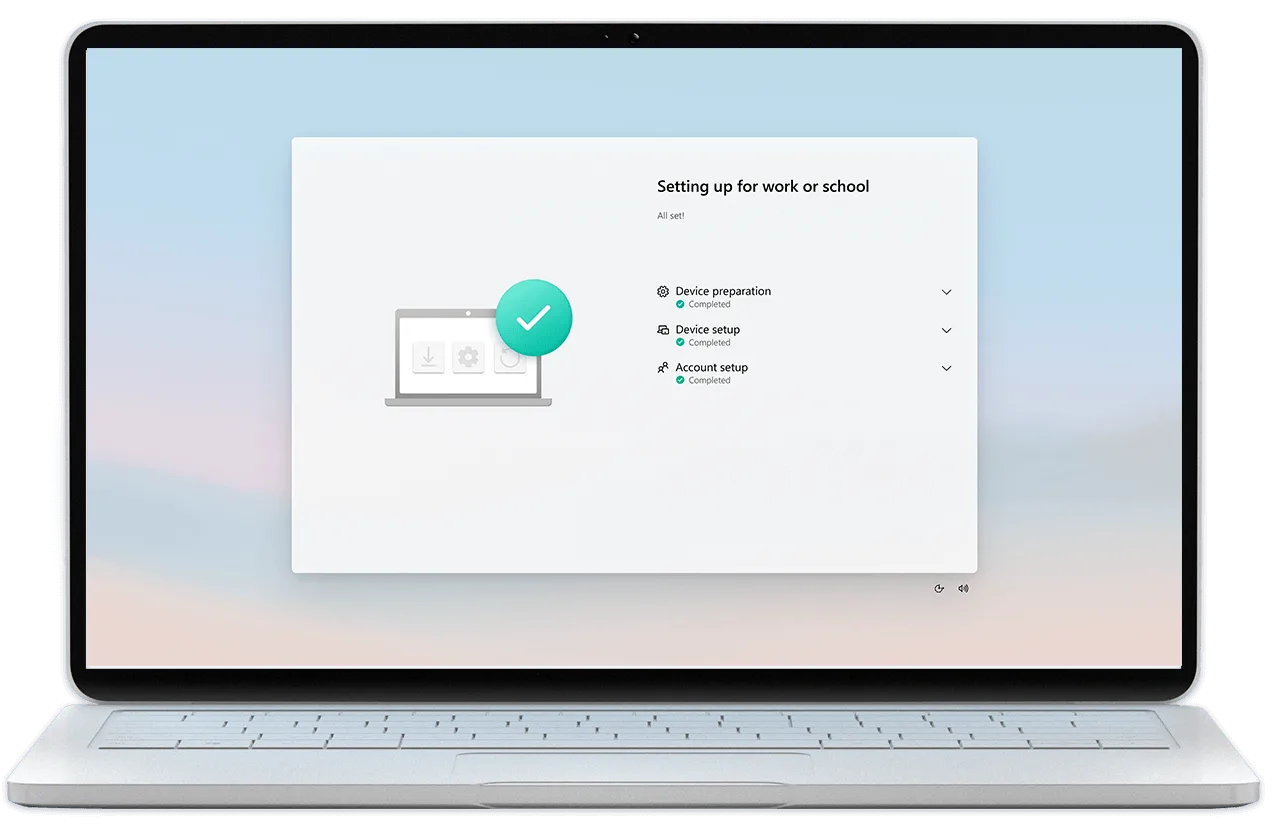
App compatibility and cloud management make adoption easy
- Control updates through the cloud
- Work easily with virtual and local apps together
- Enhanced Autopilot3 supports hybrid workforce with zero-touch deployment
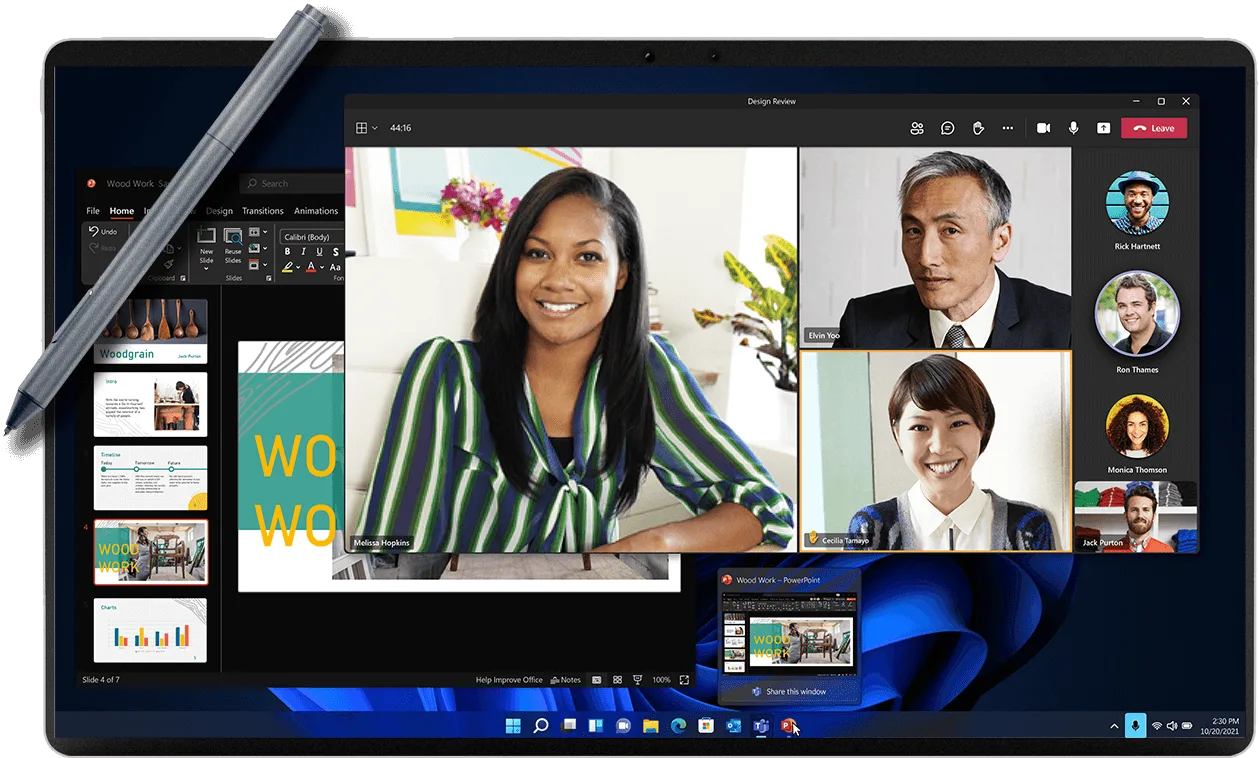
A smarter way to collaborate
- Mute and unmute from the taskbar
- Present apps in an instant from your taskbar
- Cut background distraction for calmer meetings
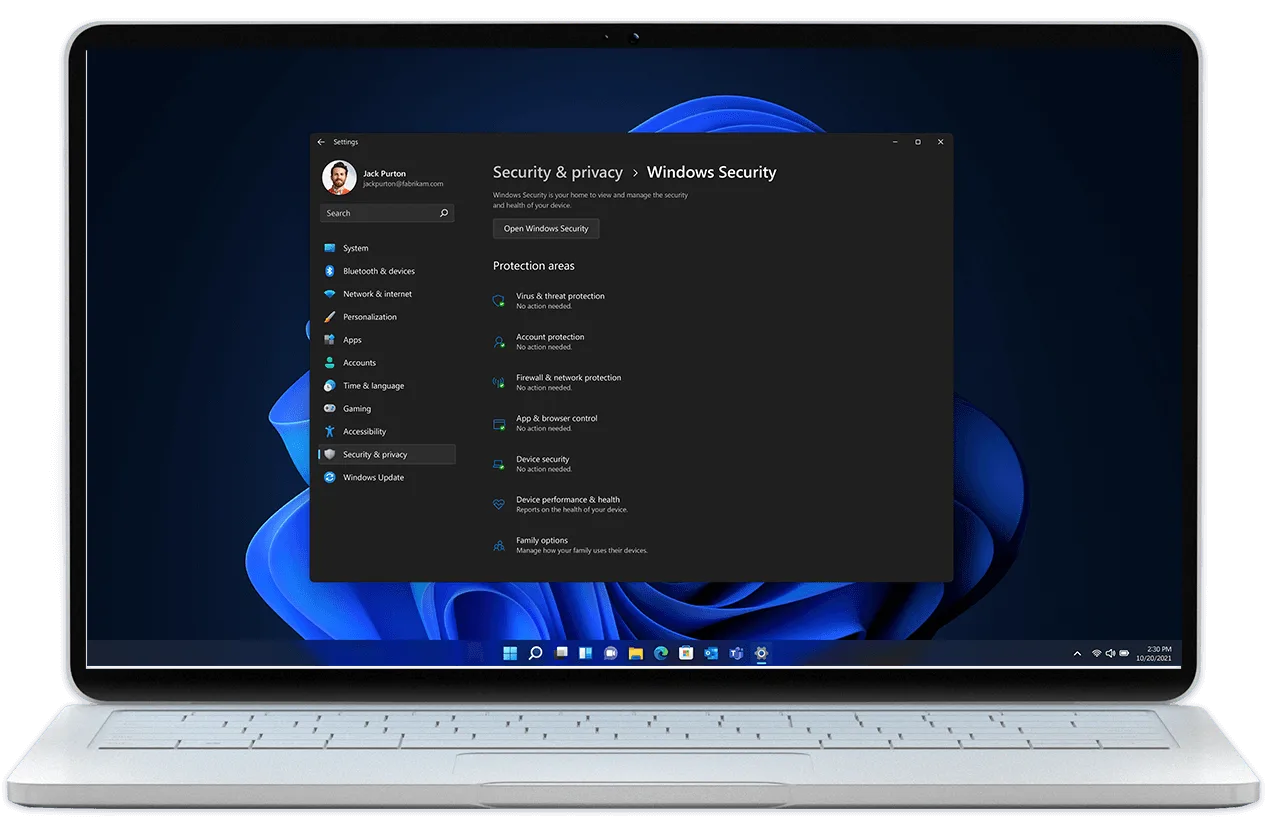
Zero Trust-ready OS to protect data and allow access from anywhere
- Get powerful built-in security, hardware-based isolation, encryption, and malware protection
- Help protect information and reduce security complexity with Windows 11 secured-core PCs powered by the Intel vPro® Platform

Modern devices, modern solutions. Upgrade your productivity tools.
Now is the time to consider the right productivity tools that best fit your next PC upgrade, whether it’s a one-time purchase (Office Home & Business 2021) or subscription-based Microsoft 365 for your business.
1 Upgrade rollout plan is being finalized and is scheduled to begin late in 2021 and continue into 2022. Specific timing will vary by device. Commercial customers should check with their IT department for their rollout plan. Certain features require specific hardware, see https://www.Microsoft.com/windows/windows-11-specifications
2 Hardware dependent
3 Azure Active Directory required; sold separately.