
Microsoft Teams Rooms
and Copilot1
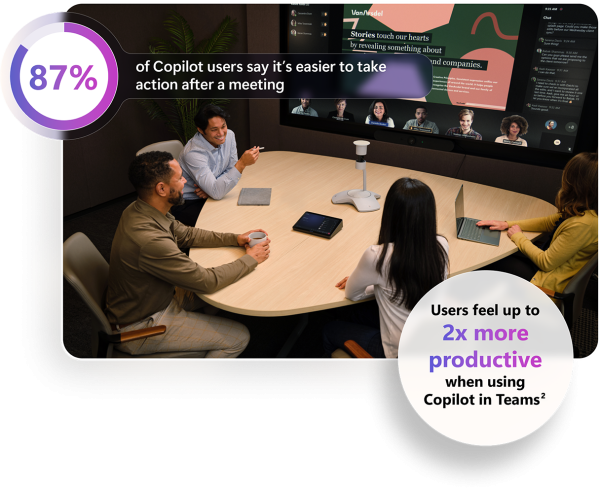
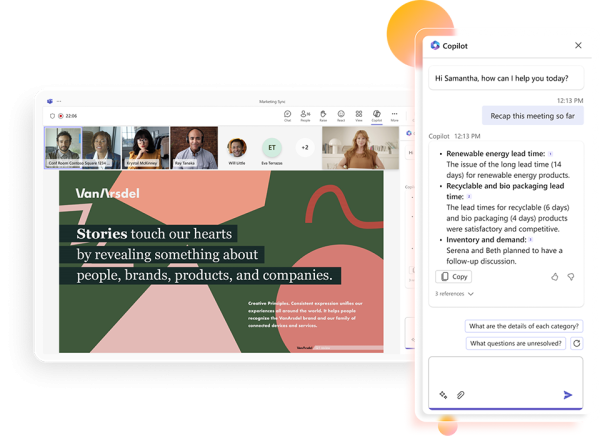
- Save time. Generate summaries and ask specific questions about everyone’s contributions in a hybrid meeting.
- Take action. Quickly draft an email with highlights and action items for each participant, whether in-room or remote.
- Get insights. Recap both in-room and remote attendees’ options and perspectives.
More inclusive, natural and intelligent hybrid meetings, enhanced by AI
Teams Rooms and devices certified for Teams deeply integrate AI to make hybrid meetings better for everyone, whether in the room or remote.
- Maintain identities. With speaker recognition, every voice in a meeting room is recognized, enabling AI-powered intelligent meeting recap and the Copilot in Teams experience.
- Everyone can be seen. With IntelliFrame, every face in the room has a place in the meeting gallery so remote attendees can see the action, and in-room attendees aren’t lost in the crowd.
- Be heard clearly. Voice quality and audio is clearer for remote meeting attendees because AI-powered noise suppression removes ambient noise from the room.
[1] Copilot in Teams is part of Copilot for Microsoft 365 license.
[2] What Can Copilot’s Earliest Users Teach Us About Generative AI at Work? Work Trend Index Special Report by Microsoft WorkLab, November 15, 2023. https://aka.ms/CopilotTeamsRooms
Total Views: 731 ,