
Moving to
Windows 11 Pro
With security built in, Windows 11 Pro devices enable your teams to stay ahead in the AI era—with enhanced management, productivity, and innovation.
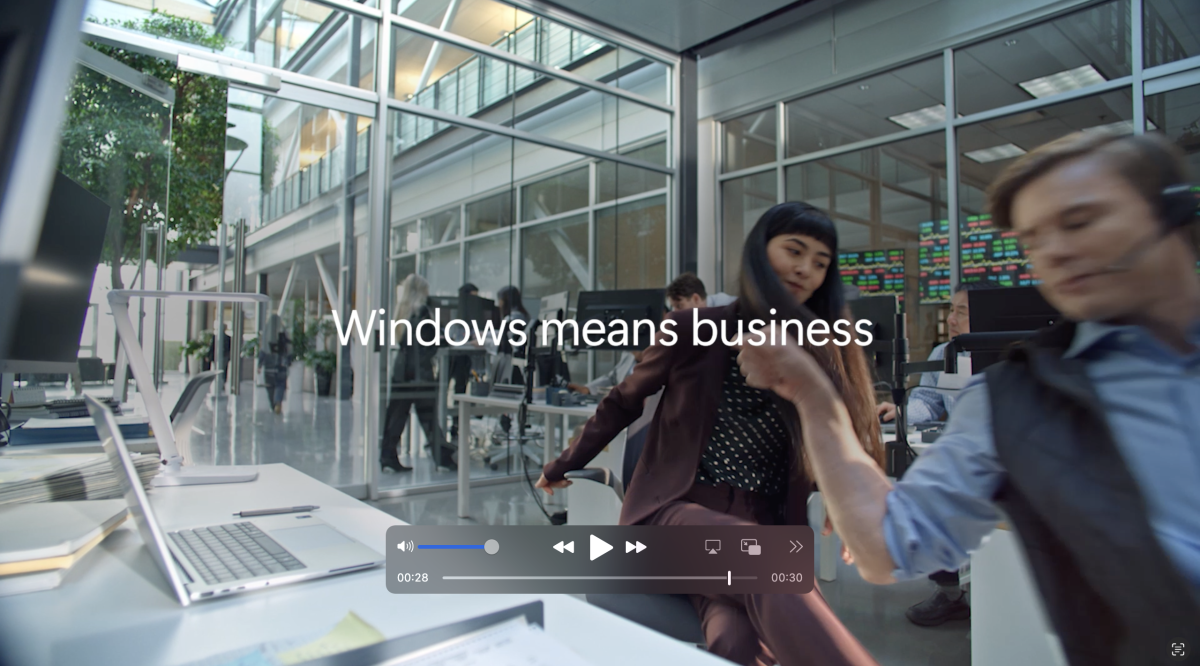
Secure by design and secure by default
Windows 11 Pro PCs
built-in security unifies IT management, increases efficiency, and evolves with your business
Security in action
Intelligent safeguards and granular control
Empower your organization with intelligent threat protection and automation while maintaining
granular control across apps, data, and IT.

Microsoft Intune:
- Enables IT admins to control endpoints and access to organizational resources through the cloud—streamlining management of apps, identities, and devices
- Lets IT admins enforce security policies and conditional access across the organization, supporting Zero Trust strategies
Configuration refresh:
- Automatically reverts unauthorized security changes to maintain your compliance posture—continuous policy enforcement that only Windows provides
Admin protection:
- Applies least privilege by default, prompting temporary access only when needed. Access is approved through Windows Hello for Business6, reducing risky admin sessions while keeping work moving—resulting in fewer authorized system changes.
- Complements Intune Endpoint Privilege Management7
Microsoft vulnerable driver block list:
- Helps stop exploitation of driver vulnerabilities, helping support a 3X reported reduction in firmware attacks1—proactive protection only Windows delivers. Apply the latest recommended driver blocklist with App Control for Business8
Efficient IT management
Automate deployment, reduce helpdesk load, and manage devices from wherever you work with Windows 11 Pro PCs
Management in action
Seamless updates and deployments
Zero-touch deployment and automated updates streamline IT management and keep teams consistently up to date without interrupting their workflows.
Windows Autopilot (enhanced)7:
- Delivers zero-touch deployment and automatically enrolls in Intune4, helping speed up onboarding.
- Anticipated reduction of up to 30% in device management time3 can cut provisioning time substantially, and helps ensure consistent compliance across devices.
Windows Autopatch and hotpatch12:
- Autopatch12 automates rollout of Windows and Microsoft 3654 applications and Edge/Teams updates.
- Hotpatch12 is designed to install critical security updates with fewer restarts.
- Significantly reduce the need for device restarts by enabling automatic updates that run in the background—contributing to increased productivity and security compliance.
Quick machine recovery13:
- Fixes or updates boot loops without reimaging, reducing downtime, disrupting operations, and avoiding costly rebuilds.
- Integrates with Autopatch,12 with policy-driven deployment.
Windows backup with Microsoft Entra ID4:
- Backs up users’ personalized settings so IT can recover faster after loss, theft, or failure, and enables a more seamless transition between PCs.
- Cloud backups are policy-managed.
Productivity even outside the office
Windows 11 Pro supercharges productivity and performance with AI features—without compromising security or control

Productivity in action
Save time for your best work
Enhanced AI features help employees boost output without sacrificing quality.
Microsoft 365 Copilot15:
- An AI assistant for Microsoft 3654 applications that helps accelerate analysis, workflows, and content creation, with expected time savings of up to five hours per employee each week on Copilot+ PCs.3
AI powered recommendations16:
- Surfaces relevant files, contacts, and content in File Explorer and Start menu based on current activity and upcoming events to help reduce the time you spend searching for the right material.
Additional AI-powered features on Copilot+ PCs include Click to Do,17 improved Windows search (semantic search),18 and writing assistant.
50%
faster workflows and collaboration on average with Windows 11 Pro devices2
Devices built to deliver today and evolve for tomorrow
Build long-term resilience with a continually evolving security posture
Innovation in action
Retain your future edge with an evolving security posture—so you can innovate without disruption.
Microsoft Pluton security processor10:
- A CPU-integrated, hardware-based root of trust that’s updated through Windows Update for long-term protection and resilience.
Security Copilot agents in Intune14:
- The Vulnerability Remediation Agent in Intune connects intelligent Copilot agents directly to your management and security data to automate core IT and security tasks.
- Identifies specific vulnerabilities on your managed devices, prioritizes them for action, and provides step-by-step remediation guidance within Intune4 using insights from Microsoft Defender Vulnerability Management.
- Helps your security team shrink response times and set the stage for the next generation of AI-driven IT operations by streamlining investigation, identification, and remediation.
Businesses using Copilot+ PCs project substantial ROI in three years through benefits that include increased workforce and IT efficiency and reduced security risk.3
Microsoft Foundry on Windows and Foundry Local24:
- Provides Windows AI APIs and tooling to integrate custom models with NPU
on Copilot+ PCs for local workloads, enabling on-device AI app development. - Faster deployment and prototyping of custom capabilities serve as a competitive advantage.
- Developer docs can be found on the Microsoft Developer blog.
Microsoft Copilot Studio25 and custom agents:
- Enable creation of domain-specific AI for automated workflows and integrations. Human oversight required.
- Tailor AI to business processes: agents can be invoked in chat or by specific events, leading to faster automation and improved operational efficiency.
Better security means better business
Windows 11 Pro is the smart choice for teams that move fast in the AI era. Choosing Windows means:
Security that starts from the silicon:
Devices are secure by default with layers of protection included, enabling better operational efficiency, and innovation.
Benefit
Intelligent safeguards and granular control
- Shields identities anywhere
- Powerful data safeguards
Proof point
62% drop in security incidents reported with Windows 11 Pro devices1
2.9X fewer instances of identity theft reported with Windows 11 Pro devices1
- 3X reported reduction in firmware attacks with Windows 11 Pro devices1
Security that streamlines IT management:
Robust security from the chip to cloud enables more cost-effective, AI-ready IT.
Benefit
- Scale IT from chip to cloud
- Customize AI for unique needs
- Automate update and deployment process
- Work with almost anything for easy adoption
Proof point
- Anticipated reduction of up to 30% in device management time with Copilot+ PCs3
- Helps reduce restarts and delivers security updates with minimal downtime1
Security that empowers productivity:
Improved governance and control supercharge business growth without sacrificing performance.
Benefit
- Save time for your best work
- Stay in the flow wherever you work
- Elevate every work style
- Keep productivity going all day on Copilot+ PCs
Proof point
- 50% faster workflows and collaboration on average with Windows 11 Pro devices2
- Copilot+ PCs deliver up to 22 hours of streaming battery life22
Security that secures innovation:
Resilience in the AI era so you can stay ahead.
Benefit
- Retain your future edge with an evolving security posture
- Innovation without disruption
Proof point
- Substantial ROI projected in three years through benefits that include increased workforce and IT efficiency and reduced security risk with Copilot+ PCs3
1Windows 11 Survey Report. Techaisle LLC, September 2024. Commissioned by Microsoft. Windows 11 results are in comparison with Windows 10 devices.
2Results in comparison to Windows 10 PCs. Improve your day-to-day experience with Windows 11 Pro laptops, Principled Technologies, April 2023. Report commissioned by Microsoft.
3New Tech: The Projected Total Economic ImpactTM Of Microsoft Copilot+ PCs. Microsoft-commissioned study by Forrester Consulting, July 2025. Projected benefits for a single composite organization that has US$1 billion annual revenue and 2,000 employees with 80% using Copilot+ PCs. In comparison to a mixed environment of conventional Windows 11 and Windows 10 PCs.
4Sold separately.
6Hardware dependent.
7Microsoft Intune and Microsoft Entra ID required; sold separately.
8App Control features vary depending on the version of Windows. See App Control feature availability.
10Built in on all Copilot+ PCs and hardware dependent on other Windows 11 PCs.
12Microsoft 365 Business Premium required.
13Microsoft Intune required; sold separately.
14Microsoft 365 Copilot and Microsoft Intune licenses required; sold separately.
15Per license sold separately; also requires eligible Microsoft 365 plan.
16Microsoft Entra ID required.
17Copilot+ PC feature. Image actions now available across devices; other actions vary by device, region, language, and character sets. Subscription required for some actions. Learn more.
18Copilot+ PC feature. Improved Windows search works with specific text, image, and document formats only; optimized for select languages (English, Chinese (Simplified), French, German, Japanese, and Spanish). See Copilot+ PC FAQs.
22Battery life varies significantly by device and with settings, usage, and other factors. See Windows Performance Lab.
24Info only; not a disclaimer: Microsoft Foundry on Windows includes Windows AI APIs, formerly called
Windows Copilot Runtime.
25Requires Microsoft 365 along with tenant and per user licensing.